Vista Commerce
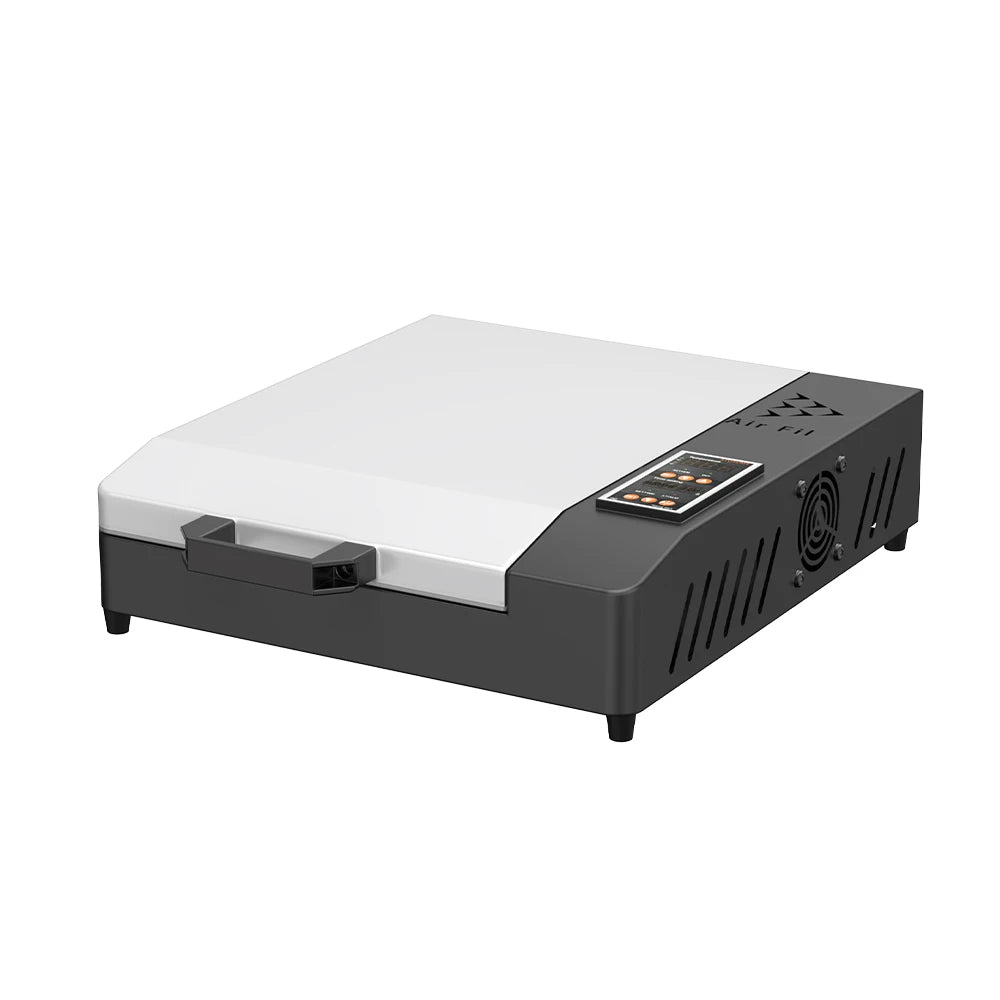
Colorsun A4 DTF Printer For Epson L800 DTF Printing Machine With Curing Oven Impresora A4 DTF Printers For T-Shirts Hoodies Bags
Colorsun A4 DTF Printer For Epson L800 DTF Printing Machine With Curing Oven Impresora A4 DTF Printers For T-Shirts Hoodies Bags
Couldn't load pickup availability
SPECIFICATIONS
After-sale Service: Shop's Three Guarantees
Applicable system: Window 7/10/11
Application: For Commercial
Battery Included: No
Brand Name: TOPPARTS
Certification: CE,RoHS,weee
Colors: CMYK+W W
DPI: 720*1440DPI
Double-sided Printing: No
Feature 1: Impresora dtf A4
Feature 2: dtf printer
Feature 3: t-shirt printing machine
Feature 4: dtf printing machine
Function 1: white ink circulation
Function 2: white ink Stirring
Function 3: Auto cleaning
High-concerned chemical: None
Interface Type: USB+LAN
Max Paper Size: A4
Max. Resolution: 1200*1200dpi
Model: A4 L800 DTF
Net Weight: 25KG
Nozzle: For Epson L805
Origin: Mainland China
Package: Wooden box
Paper: PET Film
Paper Feed Mode: Manual
Print Speed: 20ppm
Printing size: A4/8.2''
Signal Connection Type: None
Size: A4
Software: RIP 11.2
Supports Network Printing: Wired
Type: Inkjet Printer,Inkjet Printer
Use: DTF printer for clothes
Voltage: 100-240V

 A4 L800 DTF Printer Feature:
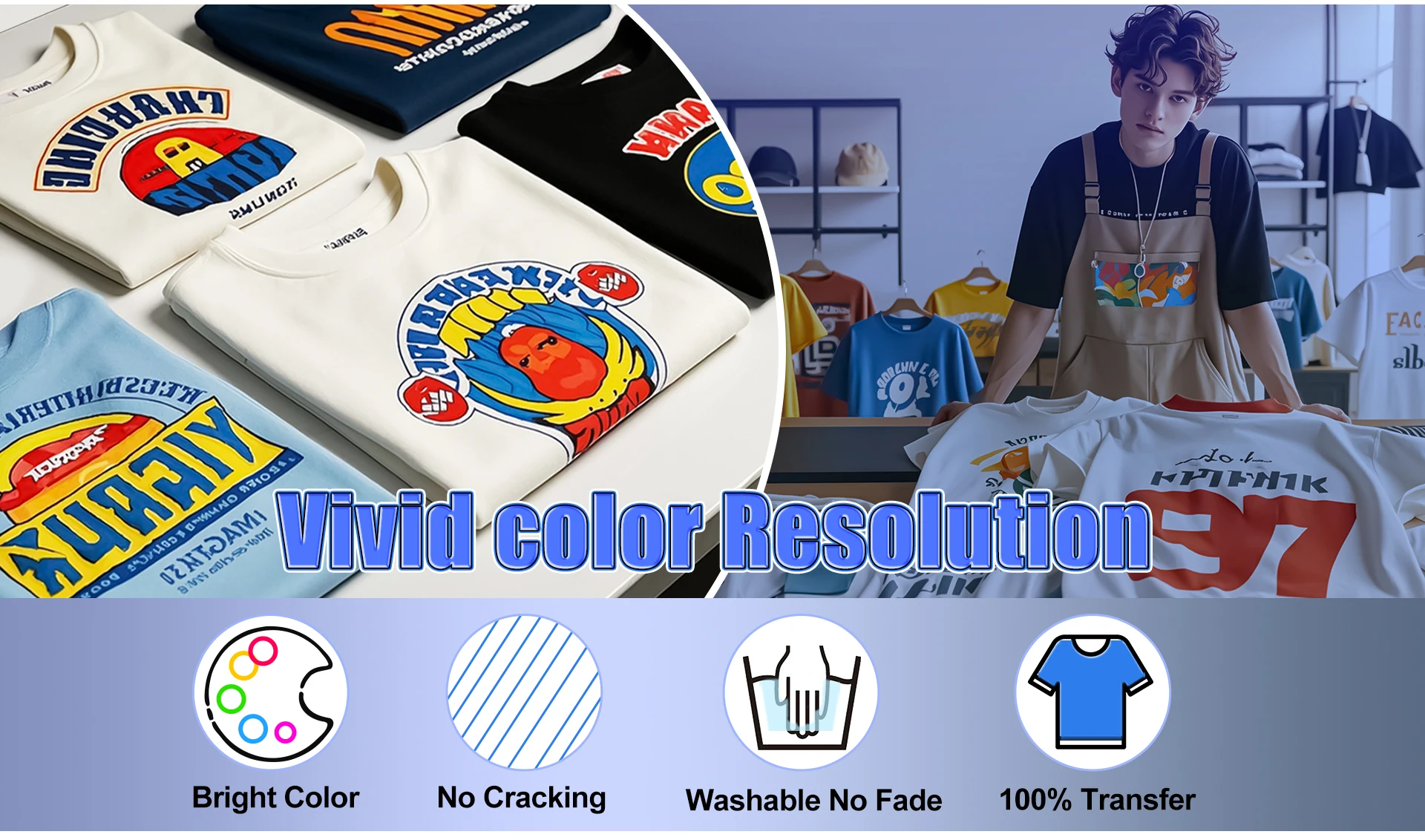
1.High-definition: 720*1440dpi high-resolution printing delivers sharp, detailed images with vibrant, lifelike colors.
2.High-efficiency: Optimized print speed design significantly increases production capacity, making it easy to handle batch orders.
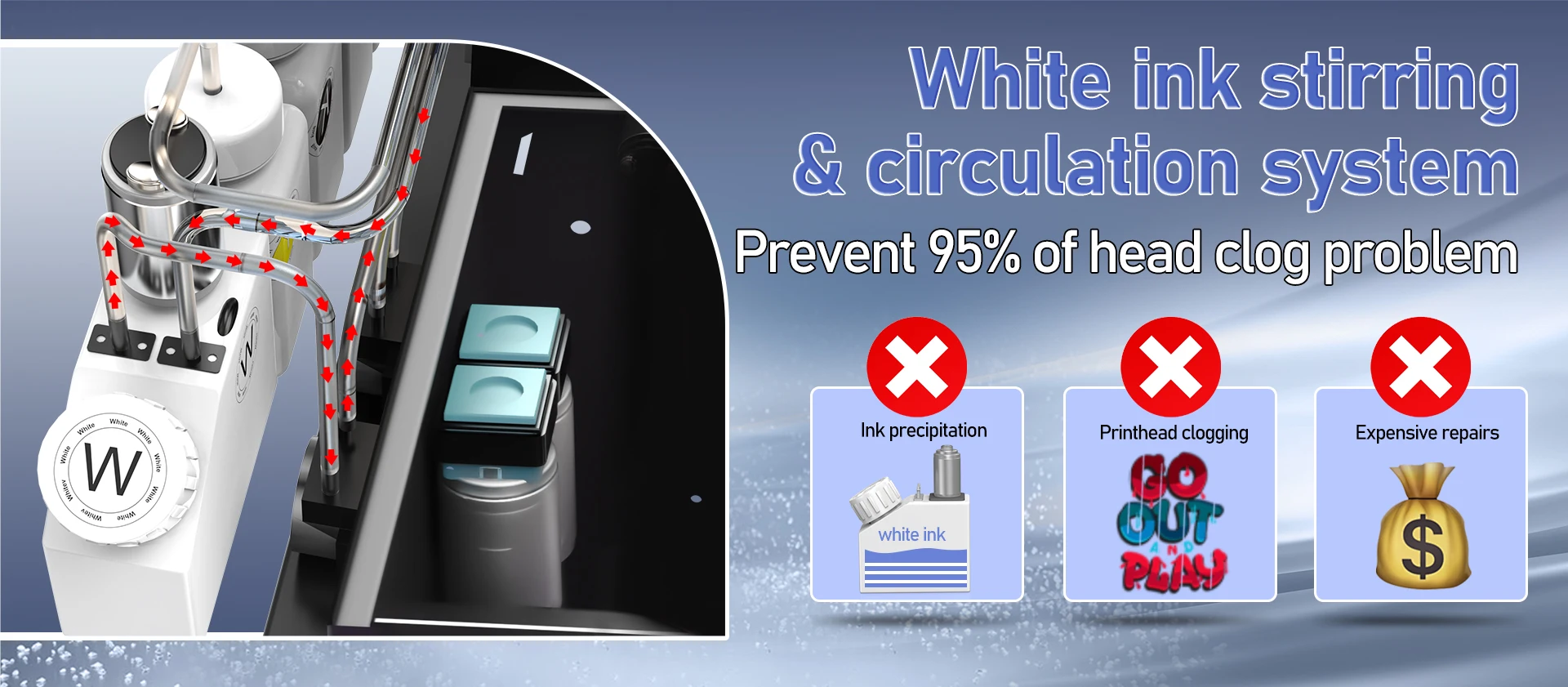
3.Anti-clogging system: White ink circulation and mixing technology automatically maintains the printhead, reducing the risk of clogging.
4.Intelligent temperature control platform: A constant-temperature heated print bed ensures precise ink adhesion and more thorough powder distribution.
5.Easy operation: An intuitive control interface with one-touch shortcut functions makes it easy for even beginners to get started.
6.Wide industry applicability: Perfectly suited for diverse business needs, including apparel printing and personalized customization.



 Printing Process:
1.Upload the design image to the software and setting.
2.Start printing on the PET Film.
3.Apply the hot melt powder on printed and shaker well.
4.Use oven to Bake 120 degrees Celsius for 50 seconds.
5.After Pet Film cooling put the printed on the cloth you want to transfer.
6.Use the heat press Machine 170 degrees Celsius for 10 seconds,After Cooling Peel off.
What is in the box?
A4 DTF Oven: